TIMOCOM Live Shipment Tracking TIMOCOM Live Shipment Tracking

Проследяването на превоз никога не е било толкова лесно

Вашият възложител Ви моли да проследите превоз? С проследяването на пратките в реално време на TIMOCOM вече имате възможността лесно да споделяте транспортни данни и да визуализирате по прозрачен начин напредъка на пратката. Ще Ви покажем три лесни начина да го направите.

С проследяването на пратки в реално време на TIMOCOM Вие предоставяте на Вашия възложител и всички, които участват в превоза, актуализации на състоянието, очакваното време на пристигане (ETA), документи за пратка и – ако желаете – данни за позициониране (GPS). Това спестява много работа и стрес. Автоматичното предаване на тази информация към Вас, клиента и всички други участници в превоза намалява до минимум усилията Ви за комуникация с всички страни. Можете да предадете необходимата информация към Вашия възложител по някой от тези три прости начина.

Live Shipment Tracking has never been easier

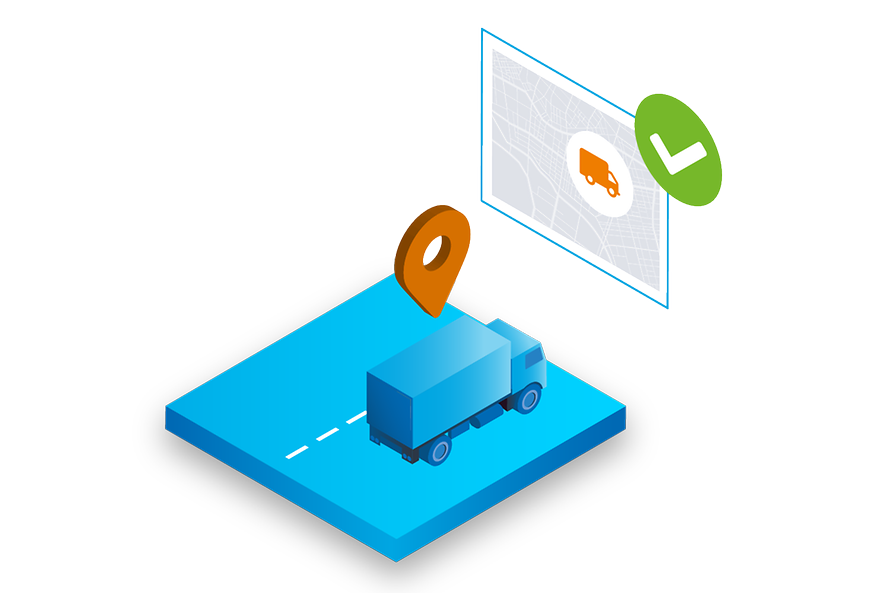
Has your driver or have you already added the vehicle’s telematics in the TIMOCOM Marketplace? Then select the corresponding vehicle registration or GPS receiver in the ‘Status via GPS’ field in the tour window, and the status updates will be set automatically.

Telematics not connected yet? You can do it right here.

lsv-modul-isografiken-gps

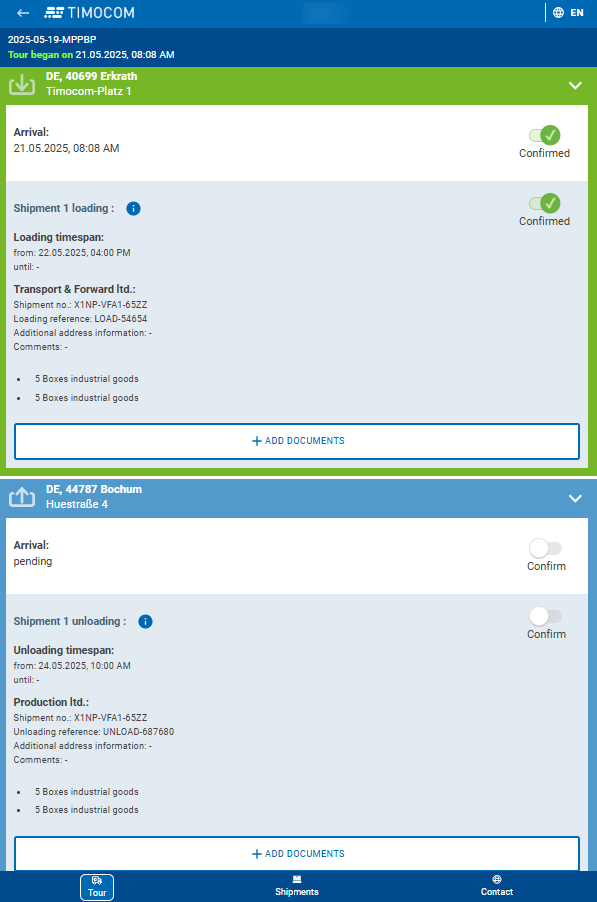
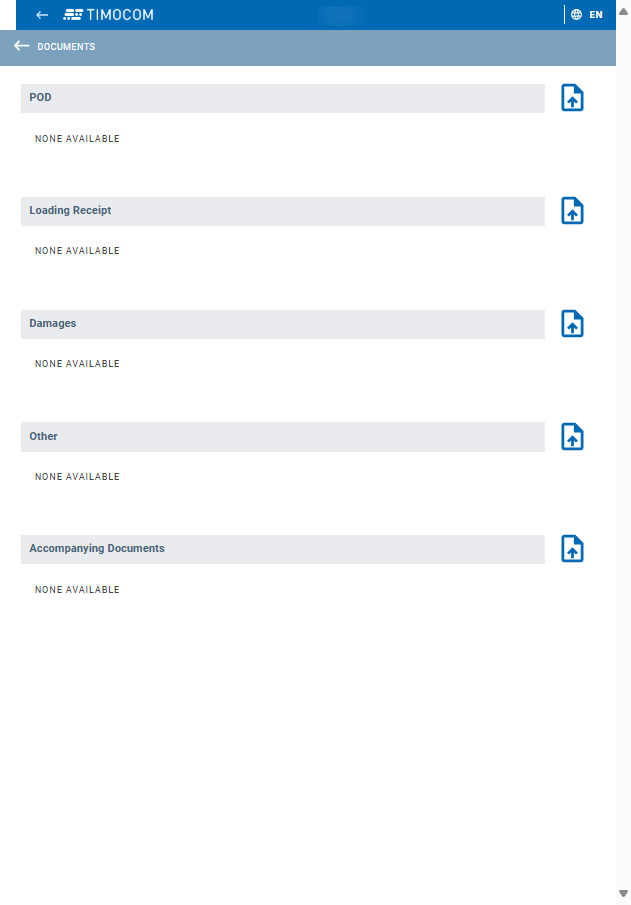
Don’t have access to the vehicle’s GPS data? Then you can have the driver enter status updates. Simply send the driver all the information about the tour to their smartphone – e.g. via WhatsApp or e-mail. The driver does not need to register or download an app to do this. They just need to open the tour in their smartphone browser and enter the status manually. In addition, the driver can upload documents in the application such as proof of delivery and send them directly to you.


Alternatively, your driver can also share the status automatically using the LKW.APP from Aparkado. To do this, send the driver the link with the tour details as described above. After clicking on the link, the TIMOCOM application will open in the driver’s smartphone browser. From there, the driver can click again to access the LKW.APP, where the tour data and further instructions are displayed. Status updates are then automatically shared via the smartphone’s GPS function, so the driver does not have to do anything else.

lsv-modul-isografiken-carrier

 None of the above options suitable for you? Then you can manually enter the status of the shipment at any time in the shipment details on the TIMOCOM Marketplace. To do this, simply leave the fields ‘Status via GPS’ and ‘Status via driver’ blank. Then go to Shipment Tracking and open the desired shipment. From there you can manually enter the current status (from ‘Departed for the loading place’ to ‘Unloading completed’). 

lsv-modul-isografiken-manuell

Frequently asked questions

Discover TIMOCOM Live Shipment Tracking for hauliers

Mariusz Mróz will be happy to provide you with further information and answer your questions

mariusz-mróz-dsc02213-web

Mariusz Mróz
Carrier Onboarding Manager

+49 211 88 26 26 47
mmroz@timocom.com